
The Radical Image Optimization Tool
RIOT is a free desktop image optimizer. It started as independent software in 2003, reached the public in 2008, and is now a native app for macOS, Windows, and Linux.
History
Years ago I was experimenting with a lot of new technologies and applications, and I became fascinated by image optimization — and by optimization in general. Most of the computers I used were outdated and slow, and I hated waiting for every task. The internet was slow, disk space was scarce, and squeezing more out of both speed and storage made a real difference.
One of the programs I liked was Ulead PhotoImpact, an advanced commercial photo editor later acquired and then discontinued by Corel. It was much cheaper than Adobe Photoshop and had a very good “Save for Web” feature. I needed that kind of tool because I was building websites for clients, and on 56k modem connections image slicing and image optimization were essential.
Having already written a few applications in various languages, I started work on an image optimizer. That was in 2003, when no such standalone tool really existed. My first idea was to integrate it into the most popular image viewer in the world — IrfanView — which is free and accepts plugins. Over time the RIOT plugin was also adopted by other programs that benefit from Save for Web features, including XnView, GIMP, and Paint.NET.
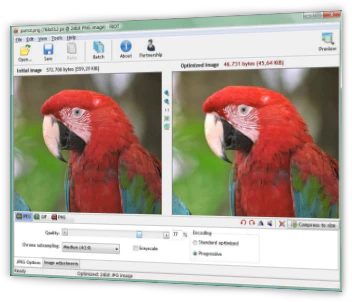
The first public release followed in 2008. That made RIOT one of the oldest free image optimizers still in use — and, quite possibly, the first standalone tool built for this job. The classic Windows program became a fixture for web designers and photographers who wanted a side-by-side look at quality versus file size.
In 2026 the project was rebuilt from the ground up as a cross-platform desktop app. The name, the flame, and the purpose stayed; the engine, the interface, and the operating systems did not. Version 2026.9 is the first release of that new line.
Current status
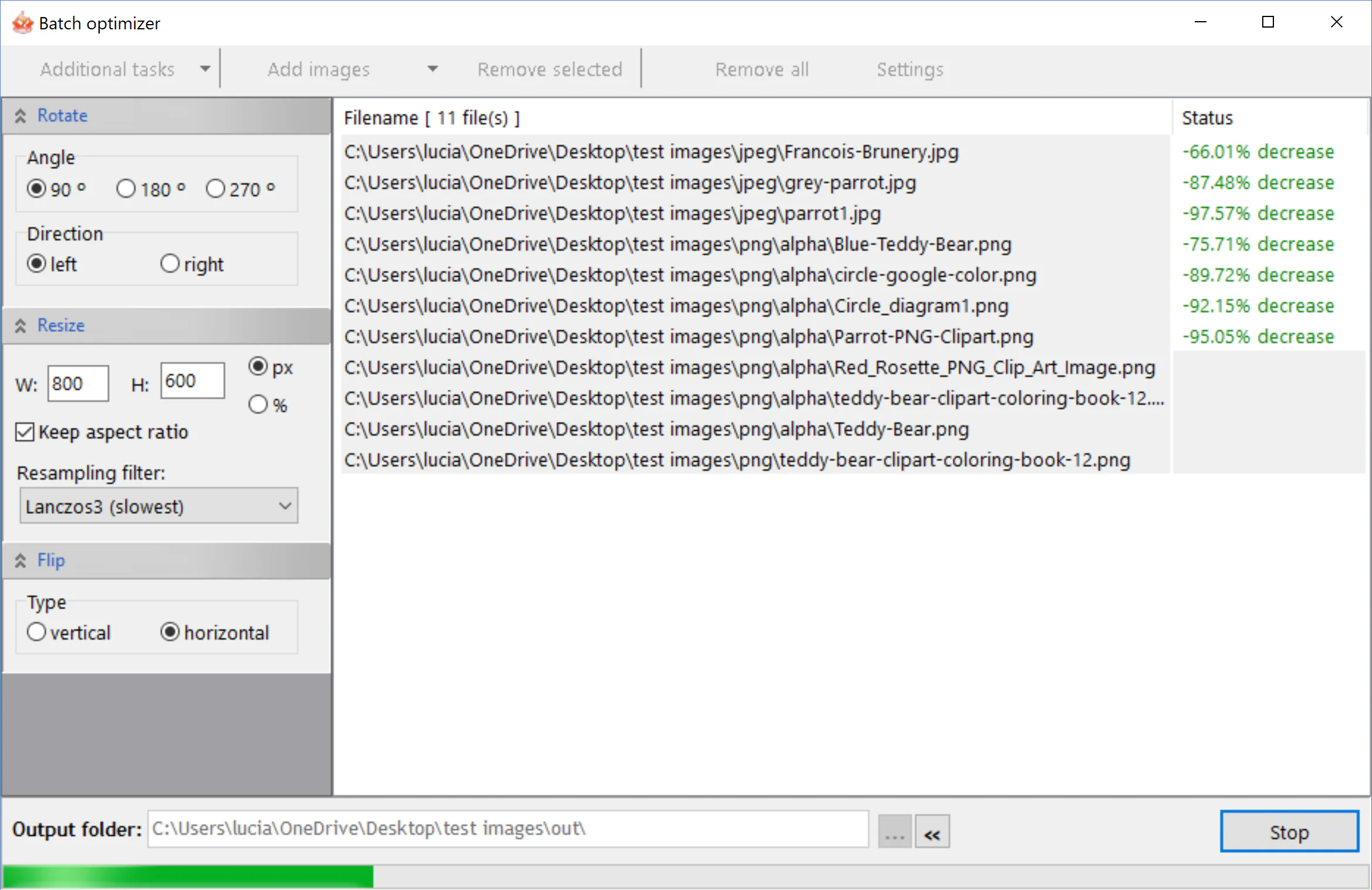
RIOT 2026.10 is a native image optimizer for macOS, Windows, and Linux. It analyses each file, optimizes in parallel across CPU cores, and lets you compare original and result before you save a batch.
JPEG, PNG, WebP, and GIF are first-class output formats. TIFF, HEIC, and AVIF can be opened. Automatic presets cover high quality through aggressive Eco savings. Manual controls remain for people who want to set quality, chroma, PNG compression, WebP effort, resize, and palettes themselves.
Development continues in the open spirit of the original: the app is free, feedback lands on the User Portal, and news is published on this site with an Atom feed.

Author
Lucian Sabo created RIOT and still maintains it. He is Lead Software Architect at F6S, the global startup community, where he is responsible for application architecture: reviewing and evolving systems, choosing frameworks, and coaching the development team on design and best practices.
He has more than twenty years of experience across backend, frontend, and native C++ software, and has shipped production systems as a developer, team lead, and architect. RIOT has been his independent project since 2003 — written for people who need an image optimizer they can run locally, without a subscription and without sending photographs to a server.
A fuller professional background is on LinkedIn, where you can connect and follow.